
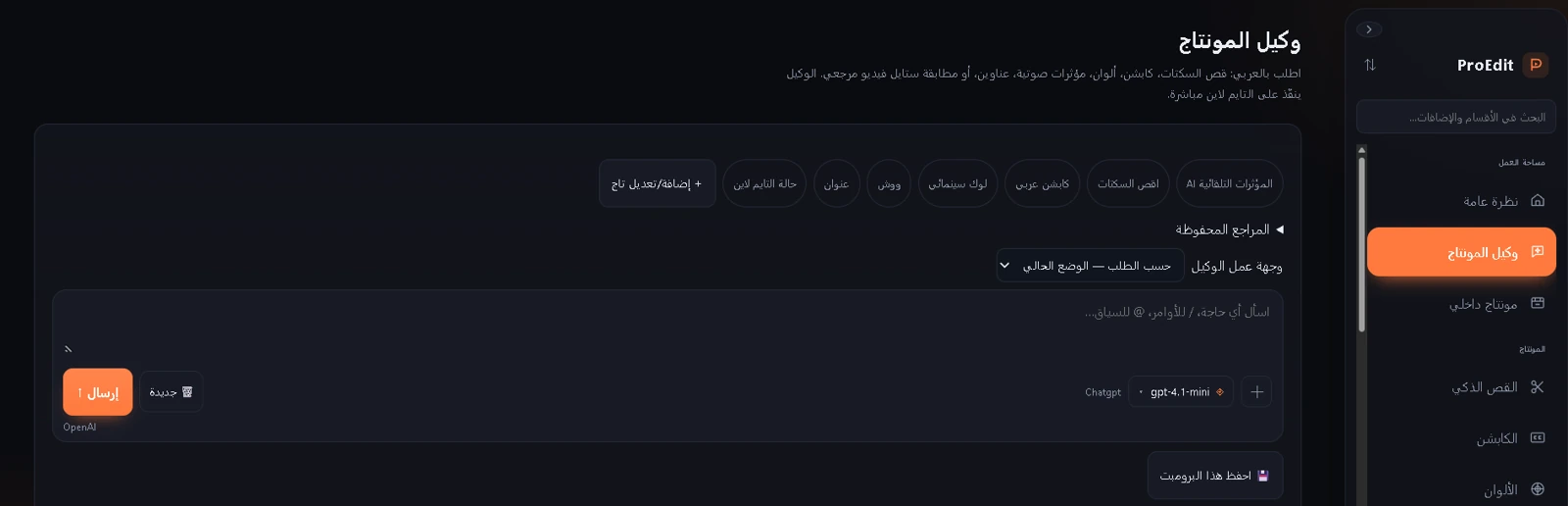
 Editing Agent
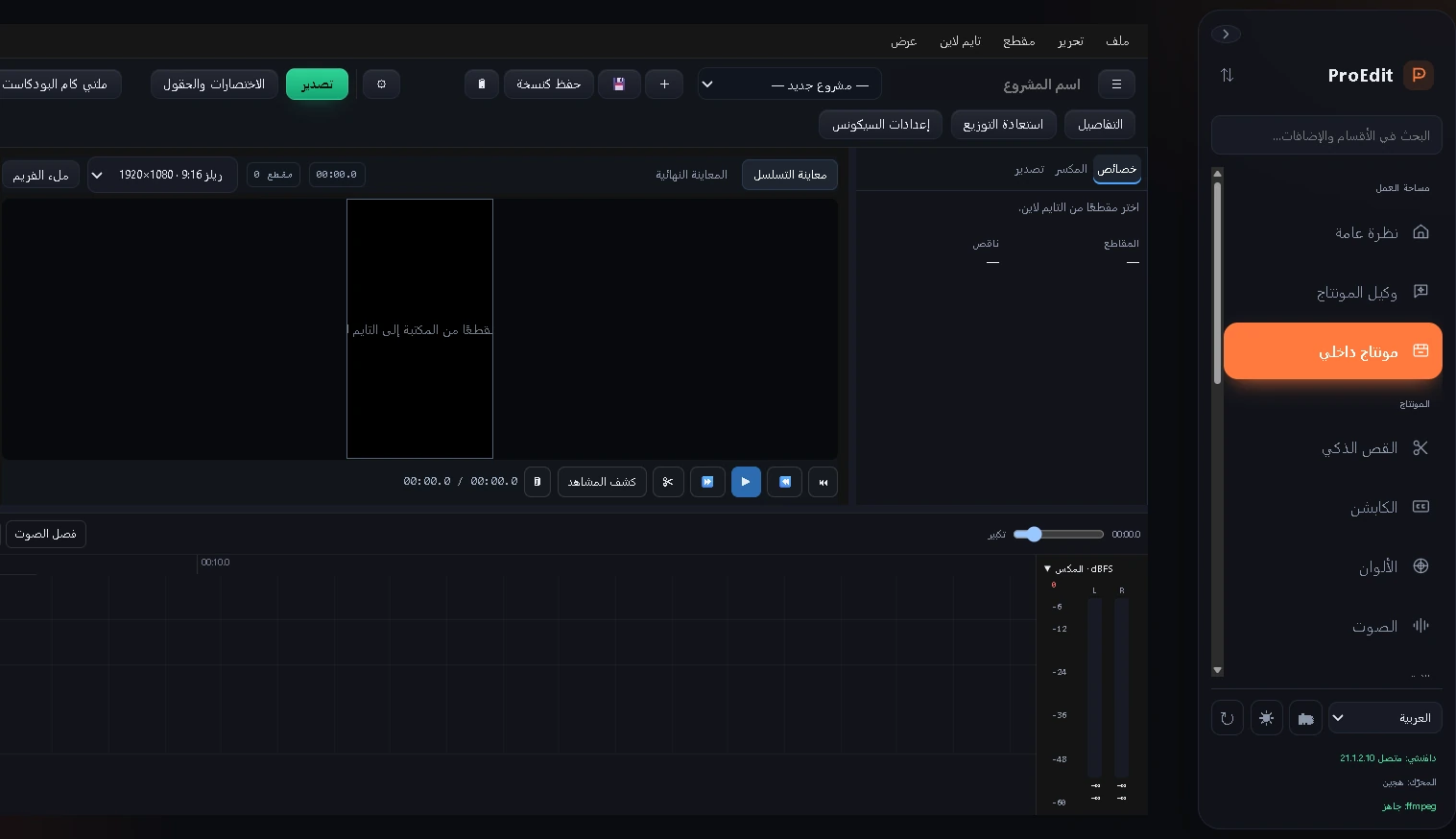 Video Editor
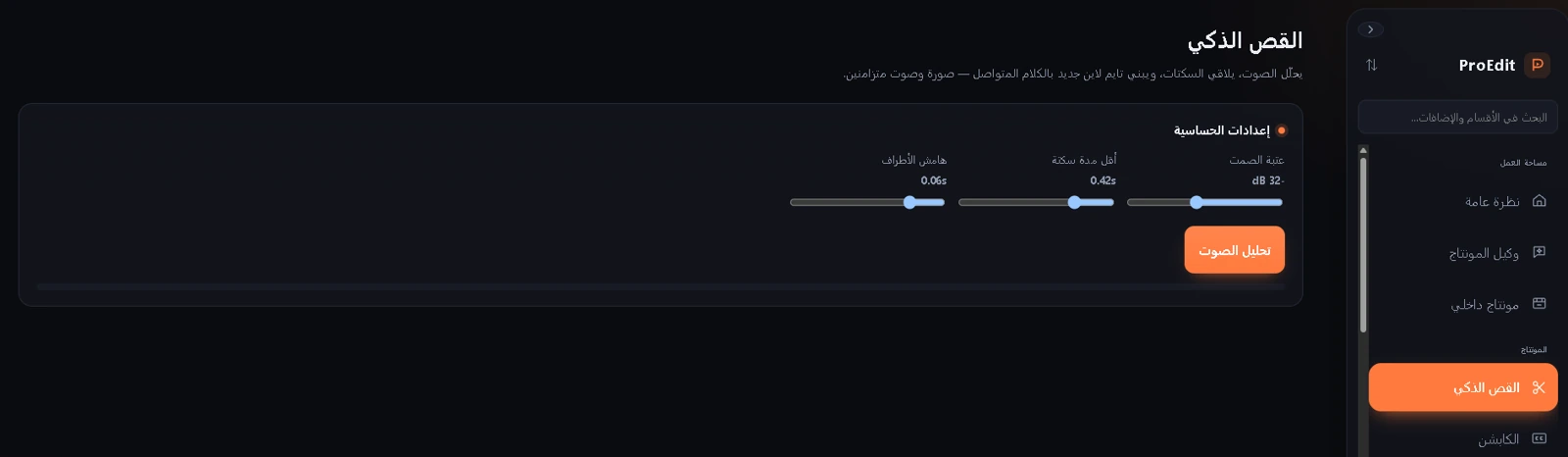 Smart Cut
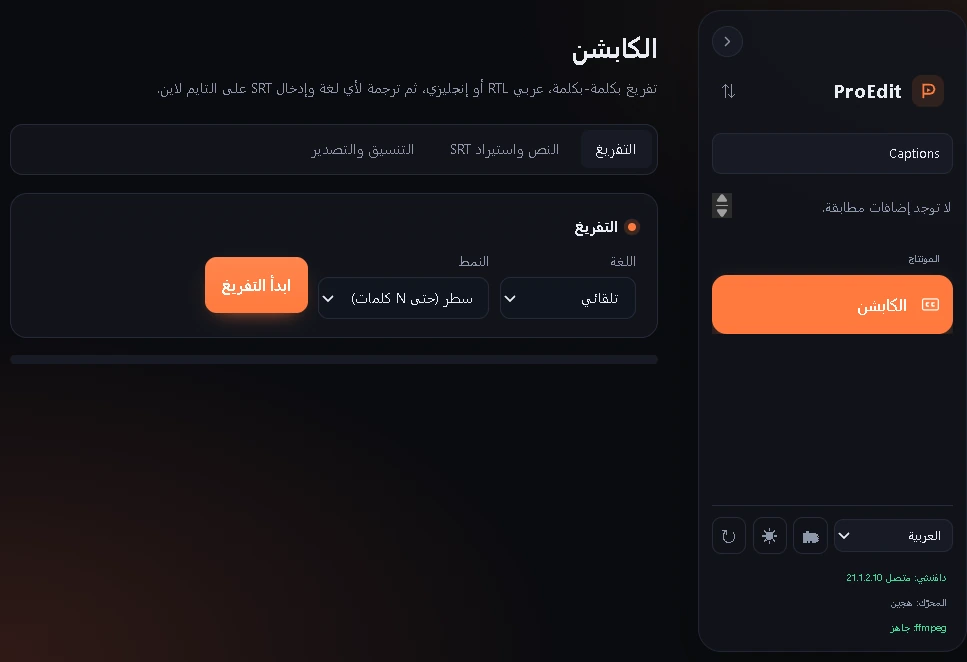 Captions
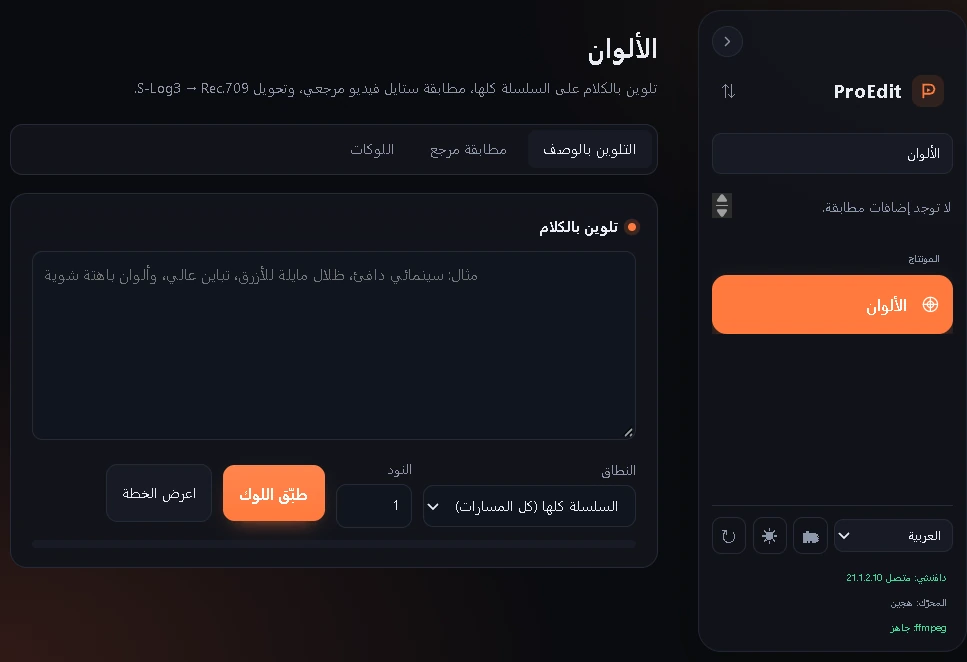 Color
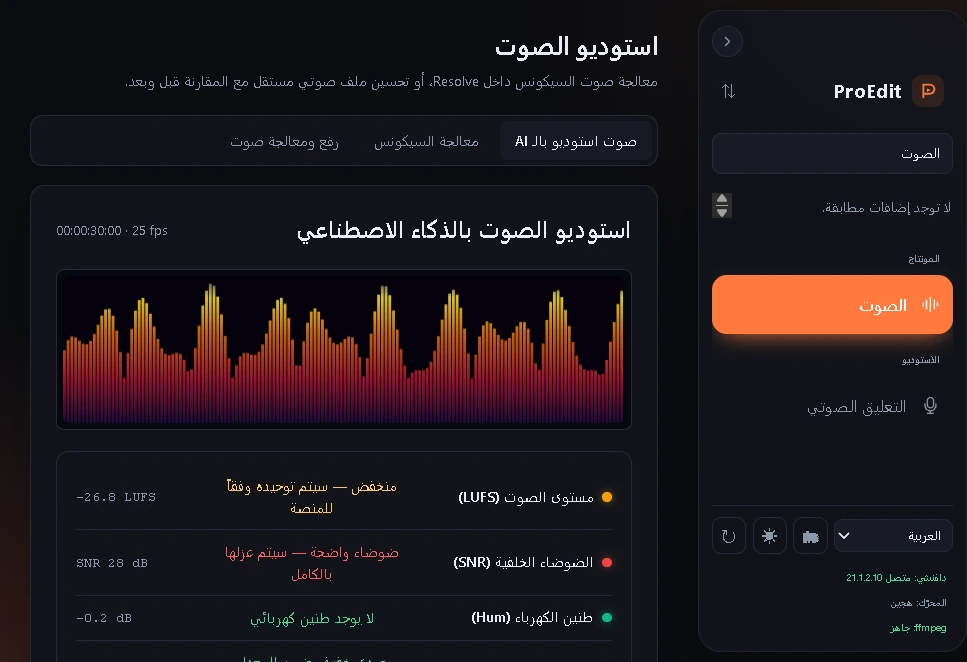 Audio Studio
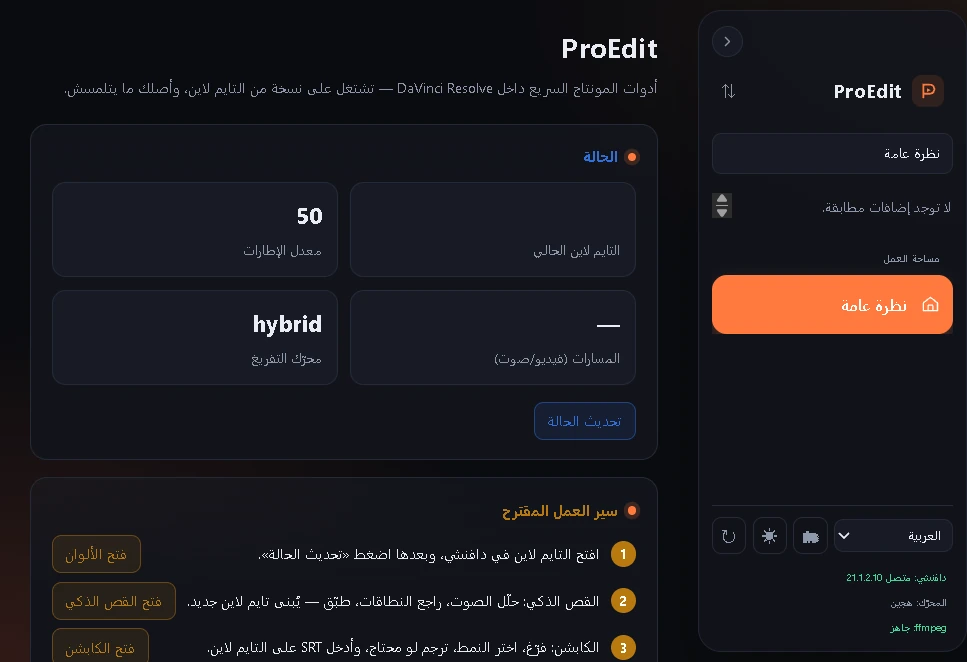 Overview
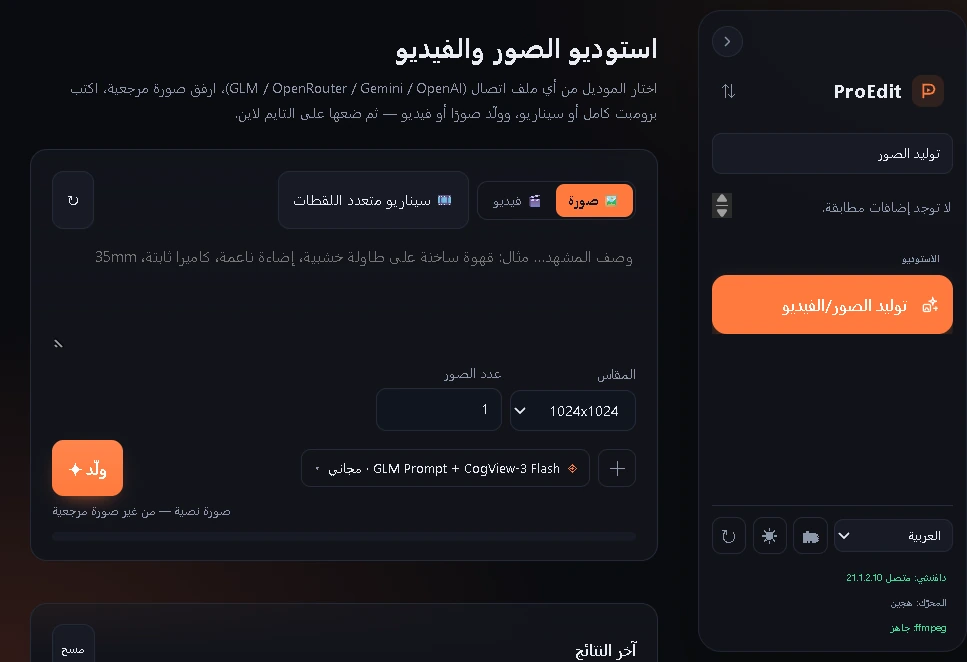 Image and Video Generation
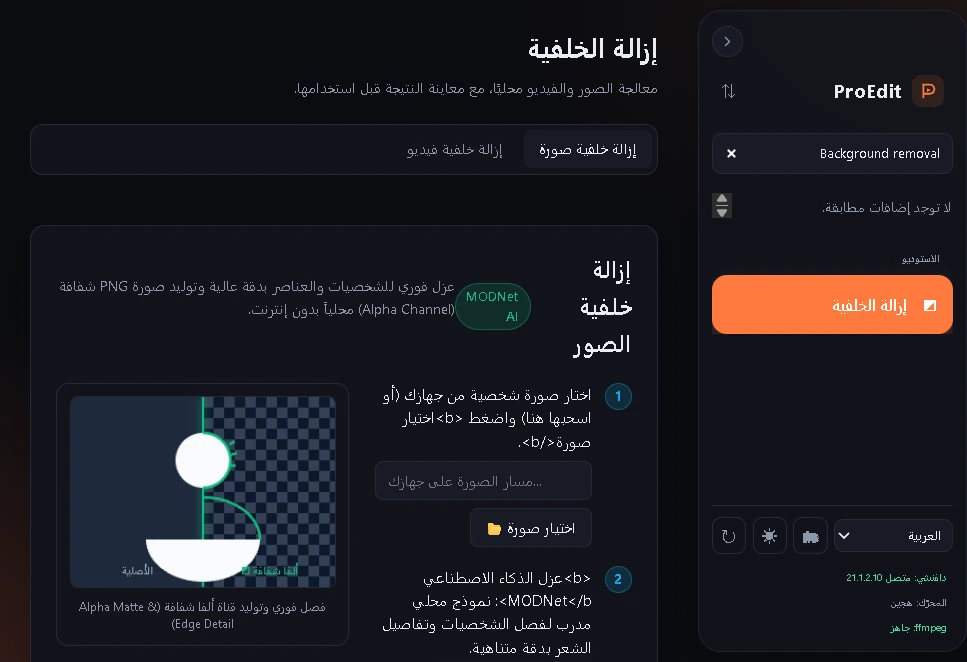 Background Removal
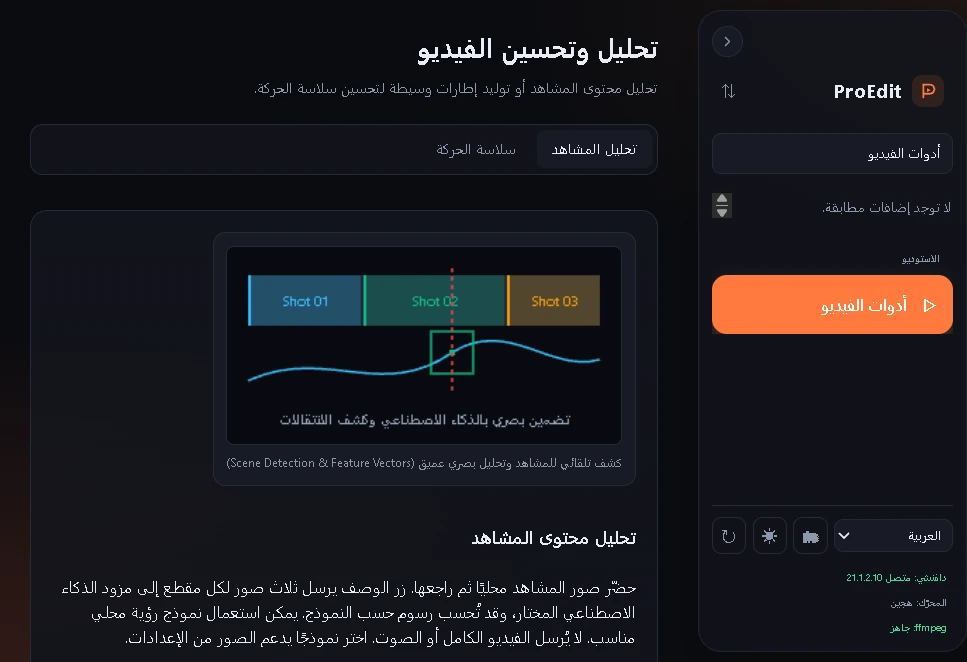 Video Analysis and Enhancement
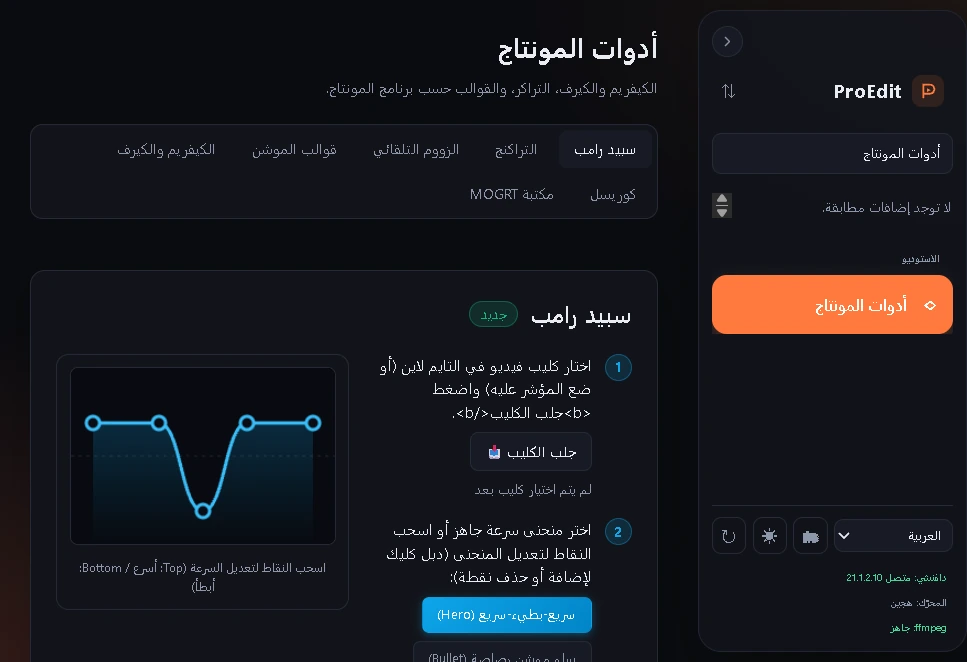 Editing Tools
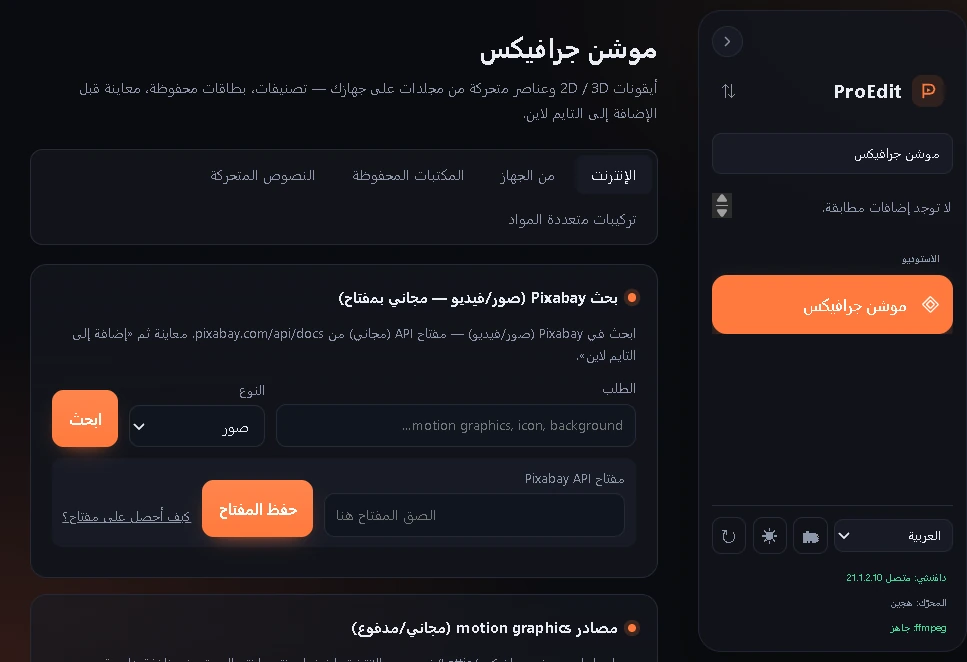 Motion Graphics
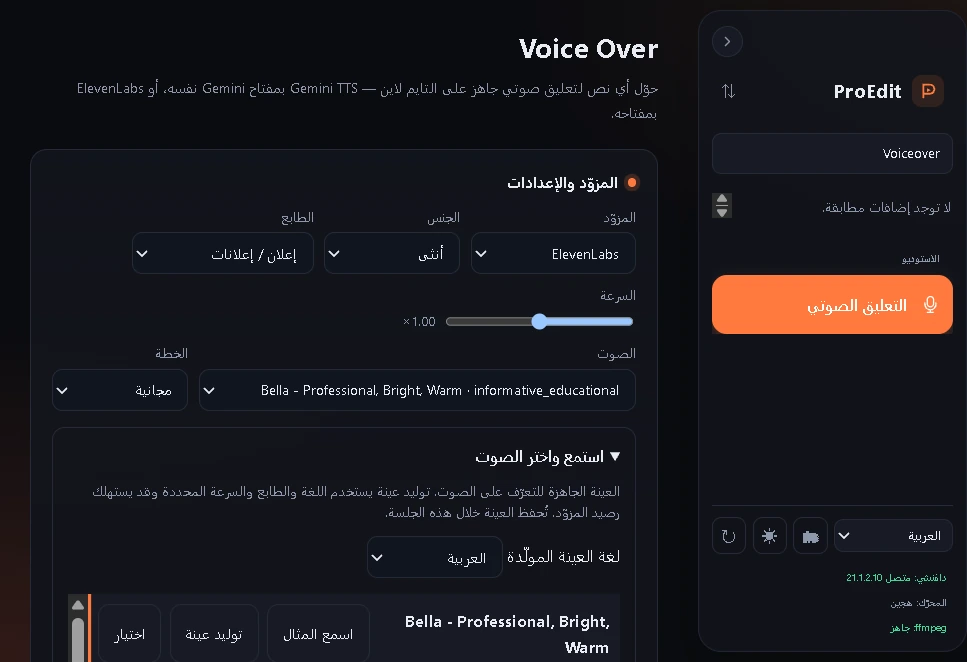 Voiceover
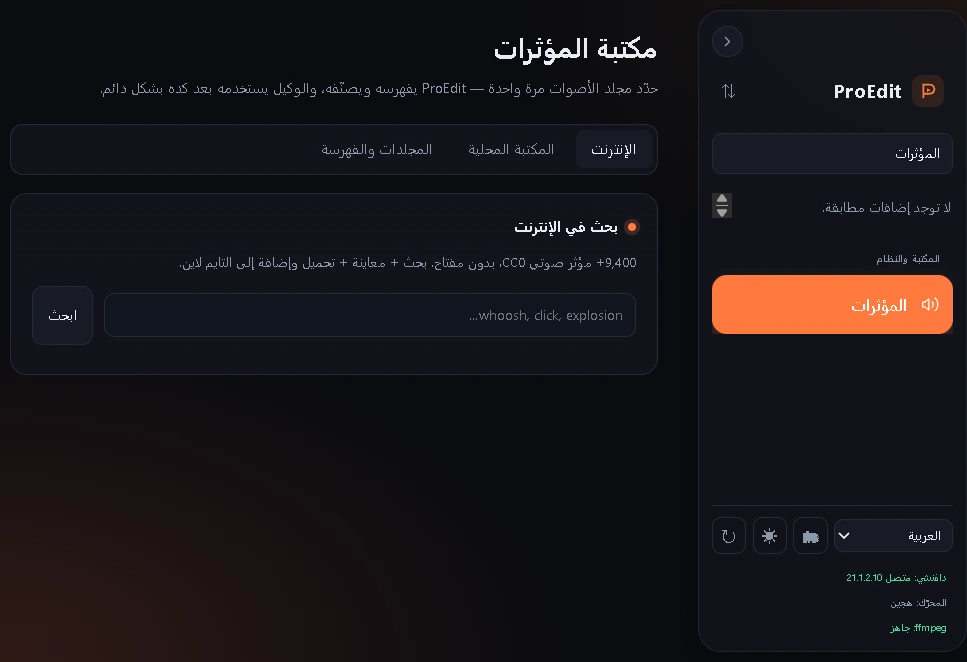 Sound Effects
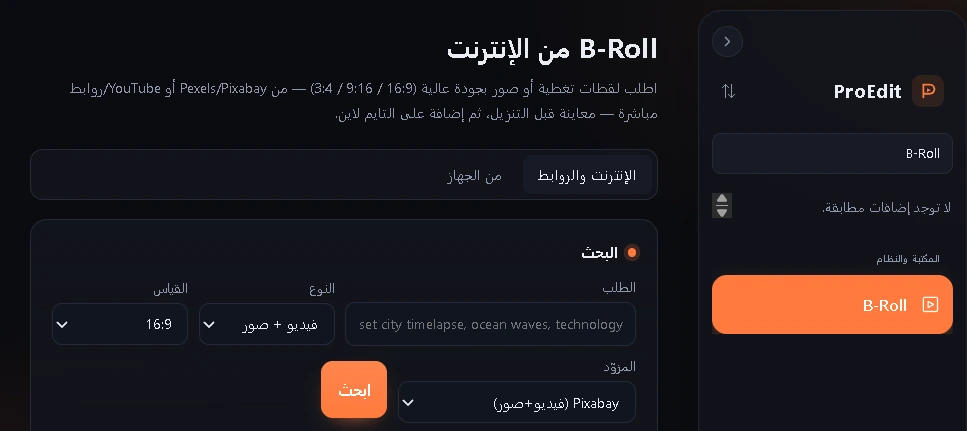 B-Roll
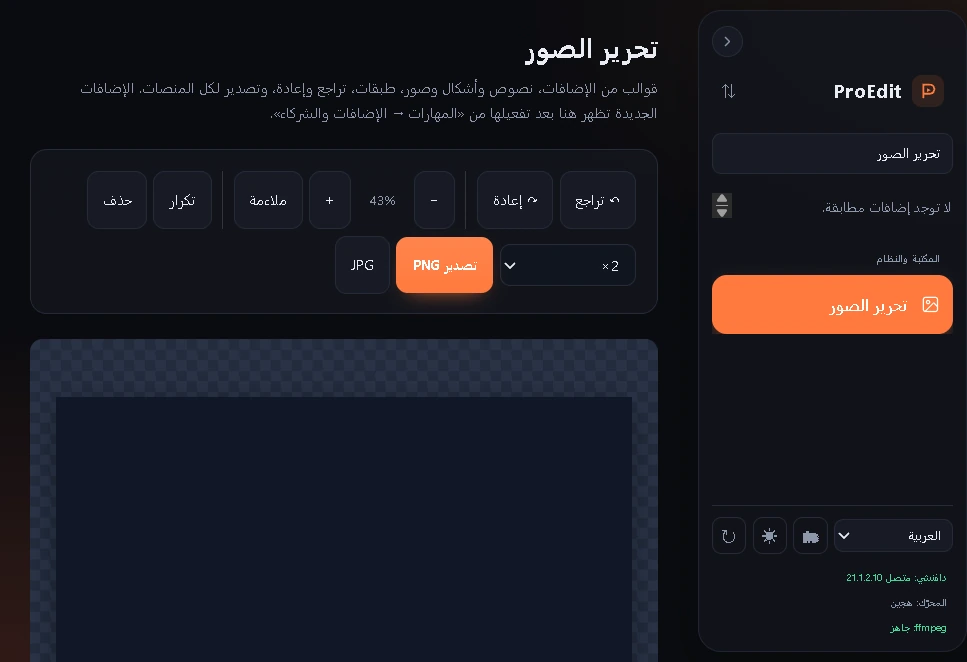 Image Editing
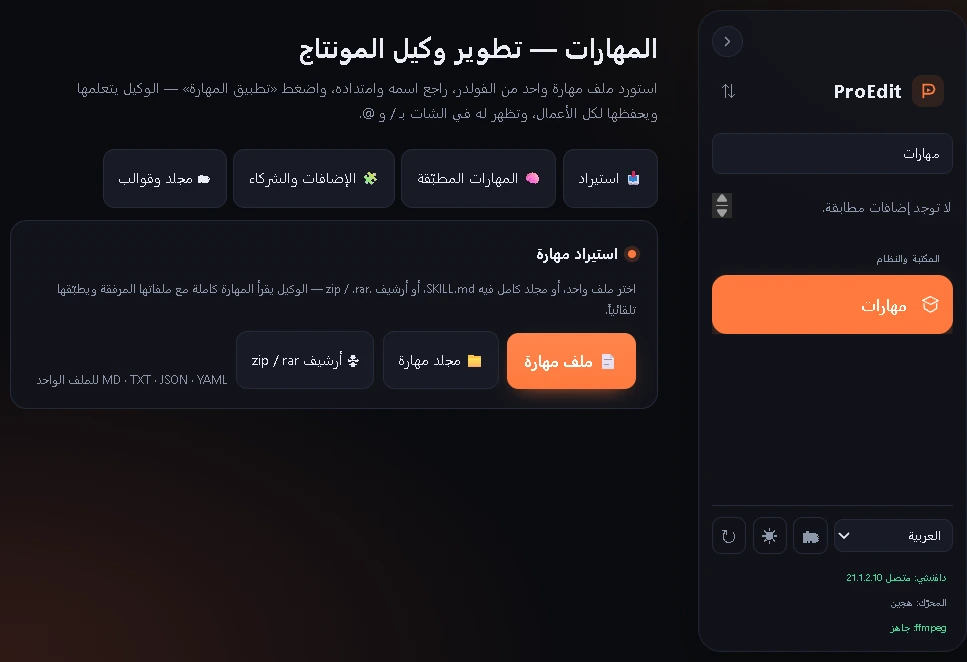 Skills
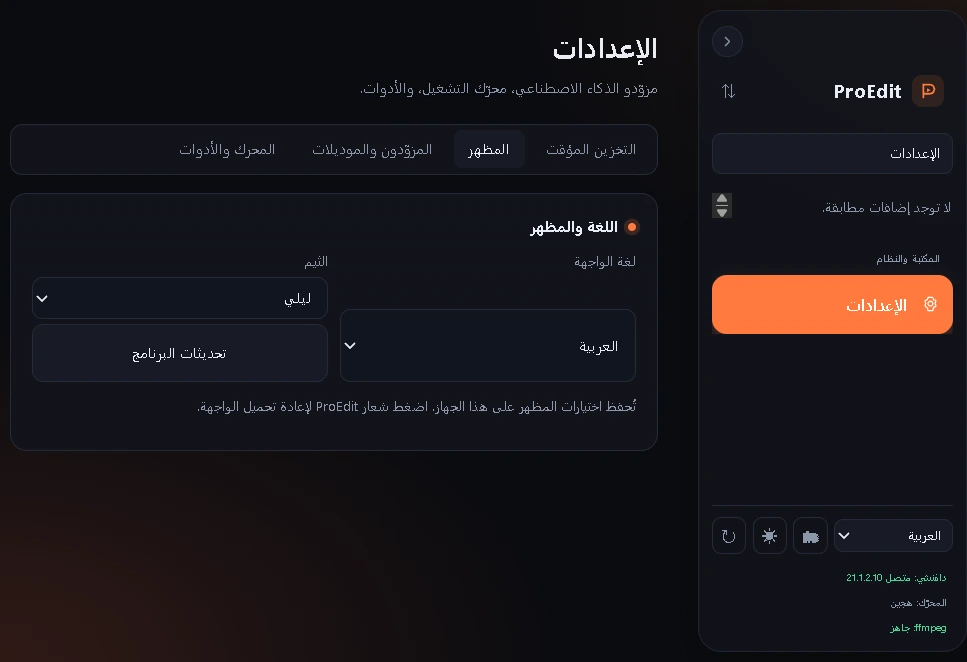 Settings
AI Editing Agent
Control the timeline from a chat interface. Ask ProEdit in natural language to remove pauses, zoom in on key moments, or add a title.
 ProEdit
Automatically cut silence, transcribe Arabic dialects, create animated captions, and grade footage with text prompts. Work in DaVinci Resolve, Premiere Pro, or the standalone ProEdit Studio editor.
Browse the app screenshots and open a tool to see a workflow example.
Editors spend hours on repetitive tasks such as finding pauses, transcribing speech, and syncing captions. Estimate what automating those tasks could save you.
ProEdit brings video editing, audio, color, and AI tools together in one workspace.
Control the timeline from a chat interface. Ask ProEdit in natural language to remove pauses, zoom in on key moments, or add a title.
Cut, arrange, and preview footage in the built-in editor. Export MP4 or use XML to continue editing in Premiere Pro or DaVinci Resolve.
Detect pauses, sighs, and repetitions in a recording, then remove them with padding for natural transitions.
Transcribe Arabic dialects, sync each word to the audio, and choose from 13 caption styles, including Hormozi, neon, and gradients.
Describe a look or upload a reference image to match colors and generate a 3D .cube LUT.
Reduce noise and echo, balance loudness for broadcast, and search a library of more than 2,100 indexed sound effects.
Isolate people in photos or video without a green screen. Export a PNG or transparent video for use in a new scene.
Smooth skin while retaining texture, remove blemishes and dark circles, and brighten smiles with frame-by-frame face tracking.
Create smooth speed ramps with motion blur, detect peaks in motion, and track or stabilize elements in the frame.
Create animated 3D glass titles, statistics cards, and glowing pixel effects for faces using editable keyframes.
Choose a plan and register with your email. Once payment is confirmed, download the app from your account and use the code sent to that address to activate one device.
Customer portalEvery plan includes the full ProEdit download and activation on one device after payment is confirmed.
Keep 3 sections of your choice after the first 30 days
Keep 6 sections of your choice after the first 30 days
Keep all sections for life
Answers about compatibility, installation, licensing, and the built-in editor.
ProEdit works with DaVinci Resolve, Adobe Premiere Pro, and Adobe After Effects. It also includes the standalone ProEdit Studio editor.
ProEdit Studio includes a multitrack timeline for trimming, joining clips, and adding transitions. Preview your edit, then export a finished video or transfer the project to a supported editor.
Choose 3 sections with Essential or 6 with Pro. Lifetime keeps all sections unlocked. All plans include 30 days of full access from first activation.
See the download page for the installer and platform available to your account.
ProEdit includes tools that run on your device. Features that use external AI providers may send the data needed to process a request to the selected provider.
Yes. ProEdit has a right-to-left Arabic interface and supports transcription for dialects such as Egyptian, Gulf, Levantine, and Maghrebi, as well as Modern Standard Arabic.
Choose your sections before paying with PayPal. The activation code is issued after payment is confirmed.
Still have a question? Our support team can help.
Contact support on WhatsAppChoose the ProEdit plan that fits your editing workflow.
This is an automated assistant. Avoid sharing account or payment details.
Contact support on WhatsApp